Responsive Ad Area

list

Home » list » Page 2
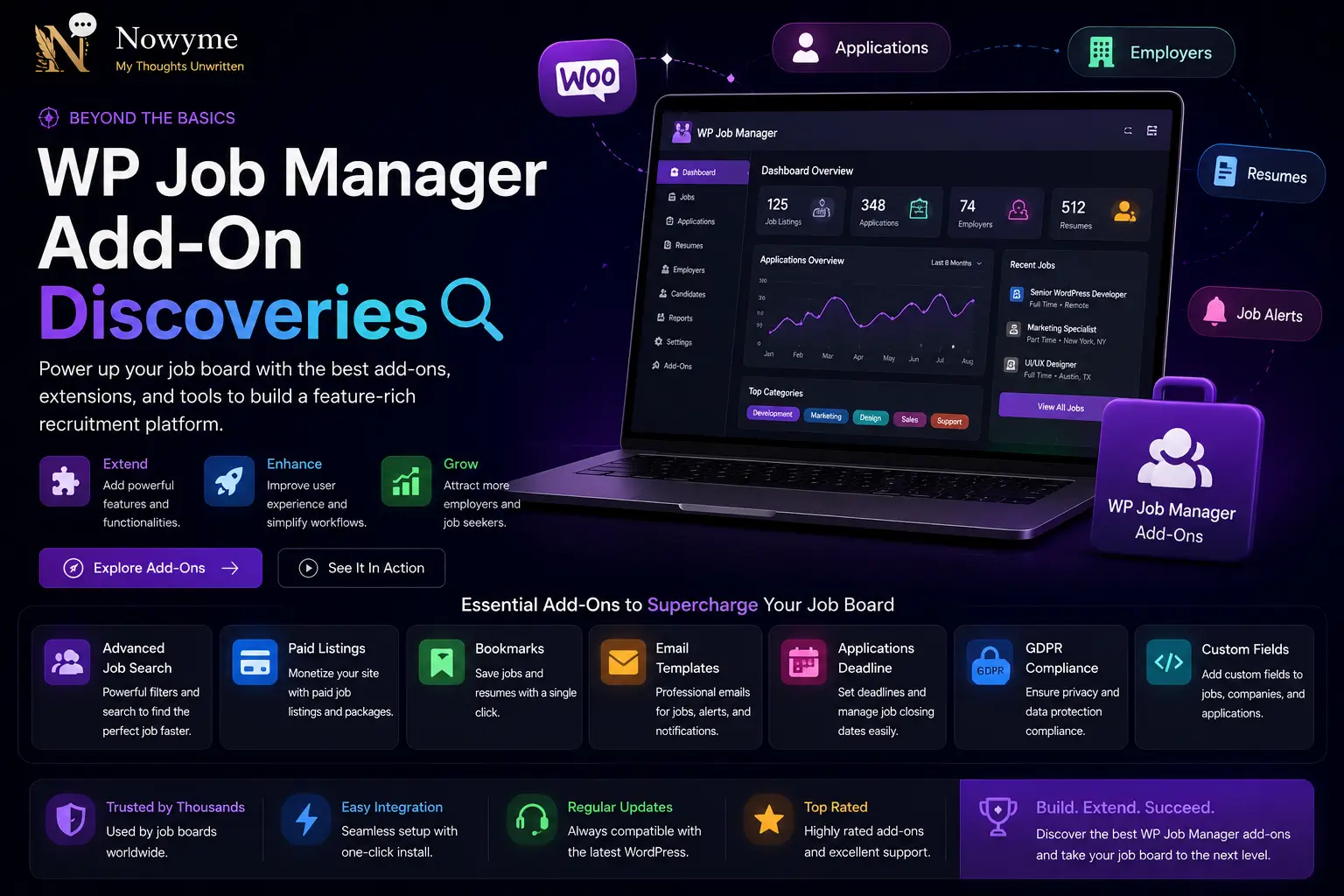
WP Job Manager Add-On DiscoveriesWP Job Manager Add-On Discoveries

WP Job Manager Add-On Discoveries

WP Job Manager is a powerful plugin for adding job listings to your WordPress site, but its real strength shines when you pair it with the right add-ons. After testing and researching, I’ve put together a list of plugins that work seamlessly with WP Job Manager to extend its features and make managing job listings, applications, and user profiles even easier. From application forms and resume uploads to advanced search filters, email notifications, and enhanced user dashboards, these add-ons help you create a more complete and professional job board experience. Below, you’ll find a curated list of plugins that integrate smoothly with WP Job Manager, along with a brief description of what each one does and why it’s worth considering for your site.

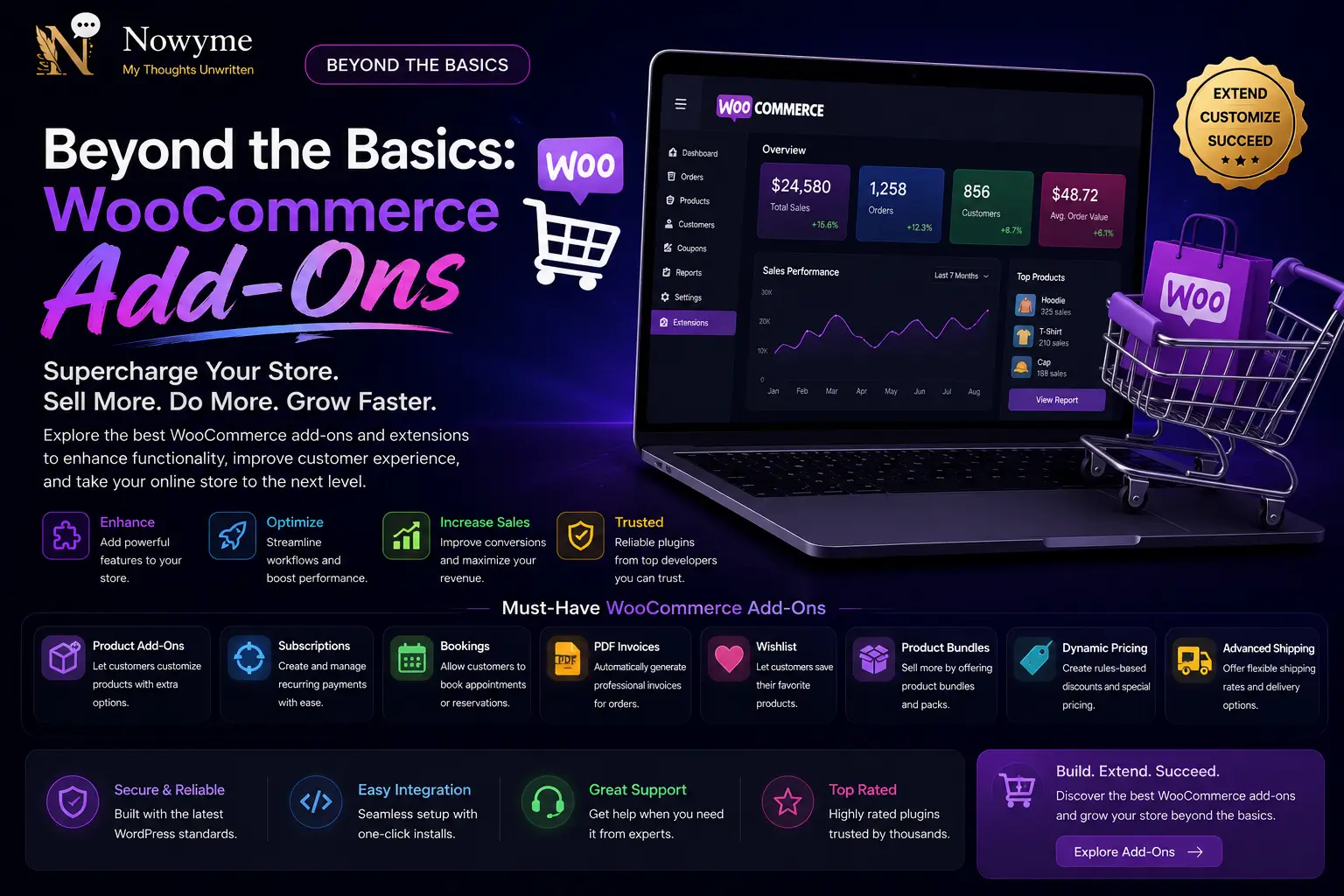
Beyond the Basics: WooCommerce Add-OnsBeyond the Basics: WooCommerce Add-Ons

Beyond the Basics: WooCommerce Add-Ons

When it comes to WooCommerce, the basics will get your store up and running—but the real magic happens when you start exploring the world of add-ons. Over time, I’ve discovered a range of WooCommerce add-on plugins that go far beyond simple setups, unlocking new features and giving your shop a serious edge. In this post, I’m sharing my personal list of WooCommerce add-ons that stood out for their creativity, usefulness, and ability to solve real-world problems. From tools that enhance the customer experience to plugins that make store management easier, each one brings something special to the table. Browse through the list below to find add-ons that can help you customize, optimize, and supercharge your WooCommerce store. Whether you want to streamline checkout, improve product displays, ...

Let the Madness Begin: Add Some Zing to Your WordPressLet the Madness Begin: Add Some Zing to Your WordPress

Let the Madness Begin: Add Some Zing to Your WordPress

Ready to break free from boring and inject some real energy into your WordPress site? With the right plugin, you can transform your website from ordinary to unforgettable. Whether you want to add playful animations, wild colour schemes, interactive effects, or just something totally unexpected, there’s a tool out there to match your brand of madness. In this post, I’ll share my favourite plugins for spicing up your site—each one designed to bring a burst of creativity, fun, or just a little bit of chaos to your pages. From eye-catching pop-ups and animated buttons to quirky backgrounds and interactive widgets, these plugins make it easy to let your personality shine. Let the madness begin—explore the options below and give your visitors an experience they won’t soon forget!

Instant Username Changer for WordPressInstant Username Changer for WordPress

Instant Username Changer for WordPress

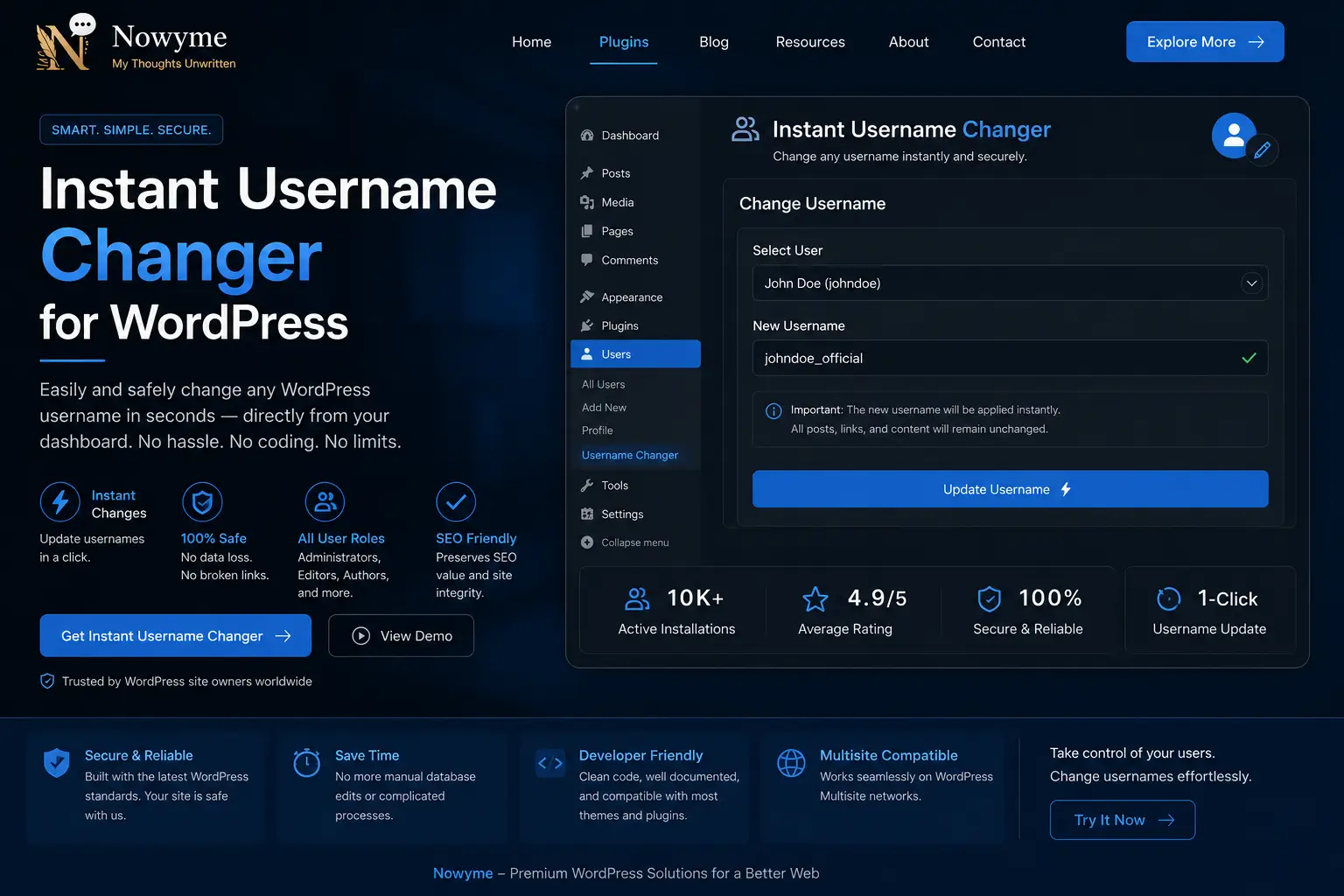
Changing a WordPress username used to be a process full of hurdles and risk, but this plugin makes it safe, simple, and instant. If you’ve ever wanted to update your username—whether for security, branding, or just a fresh start—this tool lets you do it in seconds, right from your admin dashboard. Forget about creating a new user or tinkering with database tables. With this plugin, you can switch usernames for any account without breaking links, losing content, or risking user data. The interface is clean and intuitive so that you can make changes confidently—even on busy sites with multiple users. Whether you’re managing a community, running a business site, or want to tidy up your login names, this plugin gives you total control. It’s the reliable solu...

Behind the Scenes: Essential Plugins for Inventory, Insights, and TrackingBehind the Scenes: Essential Plugins for Inventory, Insights, and Tracking

Behind the Scenes: Essential Plugins for Inventory, Insights, and Tracking

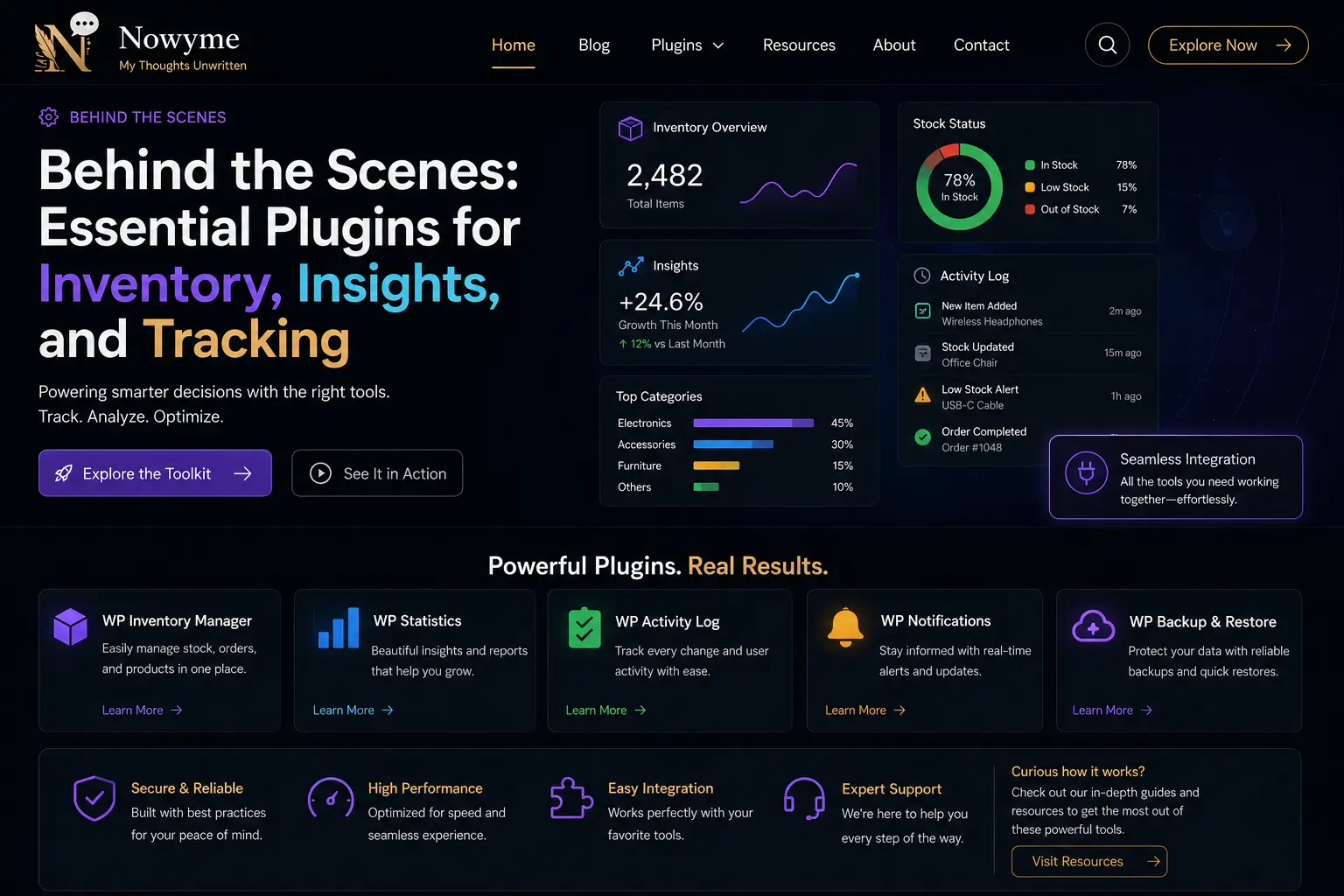
Running a business isn’t just about selling products—it’s about knowing exactly what’s on your shelf, making sense of the numbers, and having a clear trail for every sale or stock movement. After diving deep into the world of WordPress plugins, I’ve put together a toolkit that makes all of this surprisingly simple. With the right inventory management plugin, you’ll never be caught off guard by low stock again. Real-time updates, instant alerts, and effortless purchase order creation mean you can manage your inventory without ever leaving your WordPress dashboard. These plugins adapt to your workflow, bending to fit the way you do business—not the other way around. But knowing your numbers is just as important as knowing your stock. That’s where reporting plugins come in. Instead of drownin...

Developer’s Toolkit Unveiled: Advanced Essentials I’ve DiscoveredDeveloper’s Toolkit Unveiled: Advanced Essentials I’ve Discovered

Developer’s Toolkit Unveiled: Advanced Essentials I’ve Discovered

As someone who’s always looking for ways to streamline and supercharge my WordPress projects, I’ve spent a lot of time exploring the world of advanced developer tools. There’s no shortage of plugins and utilities out there, but only a handful truly stand out for their impact, reliability, and ability to make life easier for developers. In this post, I’m sharing the advanced essentials that have become mainstays in my developer toolkit. These tools go beyond the basics—think powerful debugging, efficient code management, database optimization, and enhanced workflow automation. Whether you’re building custom themes, managing complex sites, or just looking for ways to work smarter, these are the resources I return to again and again. Below, you’ll find my honest notes on each tool, what makes...

Best bbPress Add-Ons: My FindingsBest bbPress Add-Ons: My Findings

Best bbPress Add-Ons: My Findings

bbPress is a great plugin for adding forums to your WordPress site, but its real power comes from the many add-ons available to extend its features. During my research, I explored a range of bbPress add-ons to improve forum management, enhance the user experience, and add customization options. In this post, you’ll find short descriptions of each bbPress add-on I found useful, including tools for private messaging, advanced moderation, better user profiles, custom forum layouts, and more. Whether you want to make your forums more interactive or easier to manage, these add-ons can help you build a more engaging community on your site.

WordPress Media Tools: My ResearchWordPress Media Tools: My Research

WordPress Media Tools: My Research

Images, videos, and digital content aren’t just extras—they’re at the heart of a truly engaging website. As I explored tools for Nowyme – My Research Website, I realized that having the right mix of WordPress media plugins isn’t just about convenience. It’s about telling better stories, speeding up your site, and turning everyday visitors into curious, engaged readers. Why Media Tools Matter to Me I’ve seen firsthand how a well-organized media library or a beautifully optimized gallery can breathe life into even the simplest content. But as your site grows, juggling thousands of files can get overwhelming fast. That’s where the right plugins come in—they help you: Keep your media library neat and easy to search Make images and videos load quickly (so no one clicks away) Build interactive g...

Contact & Messaging Plugins: My Research

I created this post to keep track of useful contact and messaging plugins for WordPress. These tools help you add contact forms, chat features, and other ways for visitors to reach you directly from your website. Below, you’ll find simple explanations of each plugin and how they can improve communication on your site.

Cookies preferences

Others

Other uncategorized cookies are those that are being analyzed and have not been classified into a category as yet.

Necessary

Necessary
Necessary cookies are absolutely essential for the website to function properly. These cookies ensure basic functionalities and security features of the website, anonymously.

Advertisement

Advertisement cookies are used to provide visitors with relevant ads and marketing campaigns. These cookies track visitors across websites and collect information to provide customized ads.

Analytics

Analytical cookies are used to understand how visitors interact with the website. These cookies help provide information on metrics the number of visitors, bounce rate, traffic source, etc.

Functional

Functional cookies help to perform certain functionalities like sharing the content of the website on social media platforms, collect feedbacks, and other third-party features.

Performance

Performance cookies are used to understand and analyze the key performance indexes of the website which helps in delivering a better user experience for the visitors.