



















Enjoy Distraction-Free Reading
Focus on the story without sidebars, navigation, or unnecessary distractions. Enjoy a clean, comfortable reading experience.
My personal Experience
When I decided to upgrade my monitor, I spent a considerable amount of time researching different models and comparing their features, performance, and prices. My main goal was to find a monitor that could handle extended periods of use comfortably while also providing an immersive experience for gaming, movies, and everyday work.
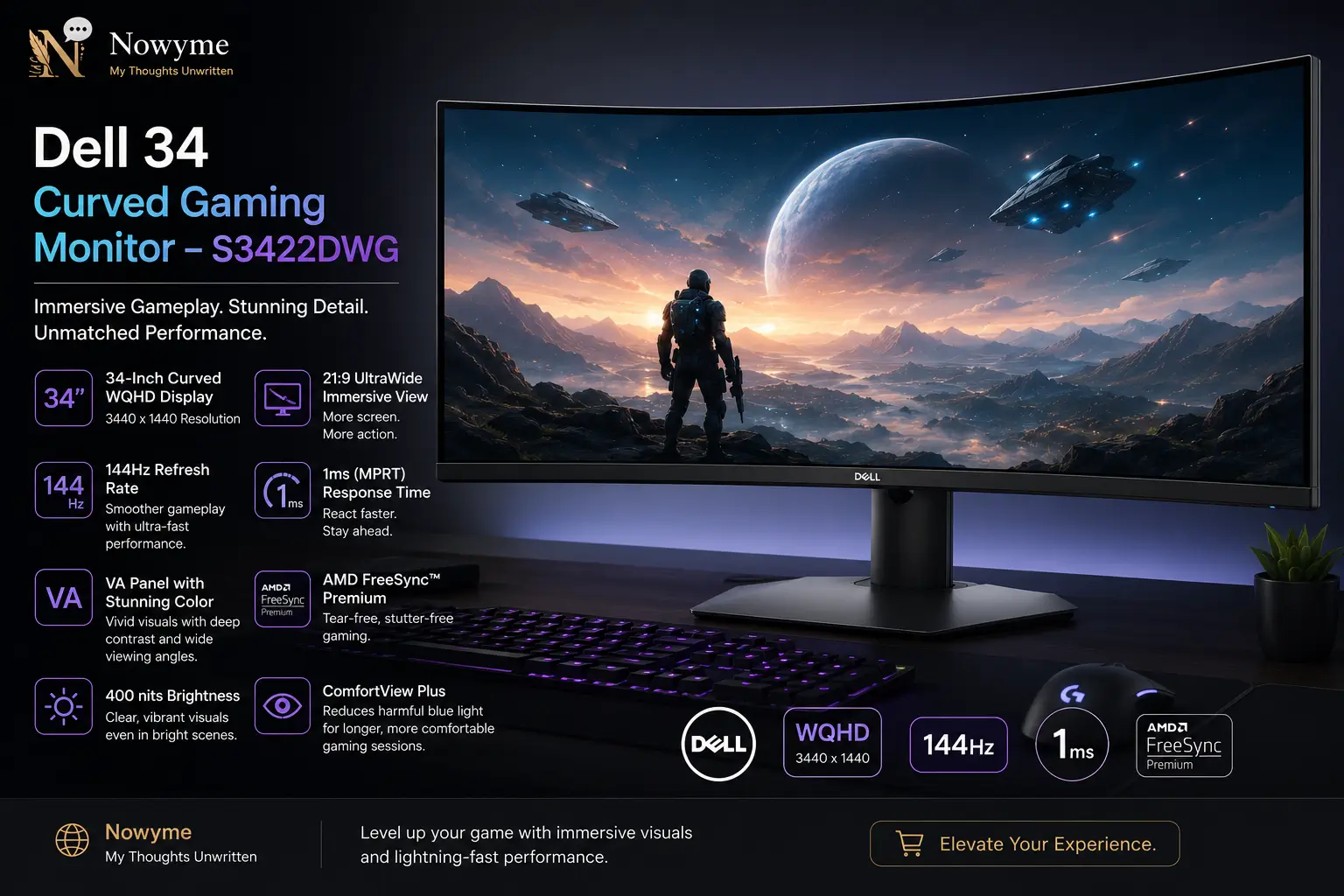
After comparing several options within my budget, I eventually chose the Dell 34 Curved Gaming Monitor – S3422DWG. The promotional price initially caught my attention, but after using the monitor for several months, I can say that it has exceeded my expectations.
From the moment I set it up, the 34-inch curved display stood out. The large ultrawide screen and 1800R curvature create an immersive viewing experience that works especially well for gaming and entertainment. I have used it extensively with my PlayStation 5, for watching movies, and for completing work-related projects.
The 3440 × 1440 WQHD resolution produces sharp, detailed images, while the large 21:9 display provides plenty of screen space for multitasking. Whether I am gaming, working with multiple windows, or watching media, the additional width makes a noticeable difference.
Another feature I appreciate is the monitor’s high refresh rate. With support for up to 144Hz through DisplayPort, fast-moving scenes appear noticeably smoother. Combined with its fast response time and adaptive-sync support, the monitor delivers a responsive gaming experience with reduced motion blur and screen tearing.
The overall picture quality has also impressed me. Colours appear vibrant, contrast is strong, and darker scenes have good depth. HDR support further enhances compatible content by improving brightness, colour, and contrast.
Although the Dell S3422DWG represents a significant investment compared with an ordinary monitor, I believe the combination of screen size, resolution, gaming performance, and build quality provides very good value.
After several months of ownership, I have no regrets about choosing this monitor.
Connectivity and Ports
One of the strengths of the Dell S3422DWG is its variety of connectivity options. This makes it easier to connect gaming consoles, computers, headphones, USB devices, and other peripherals.
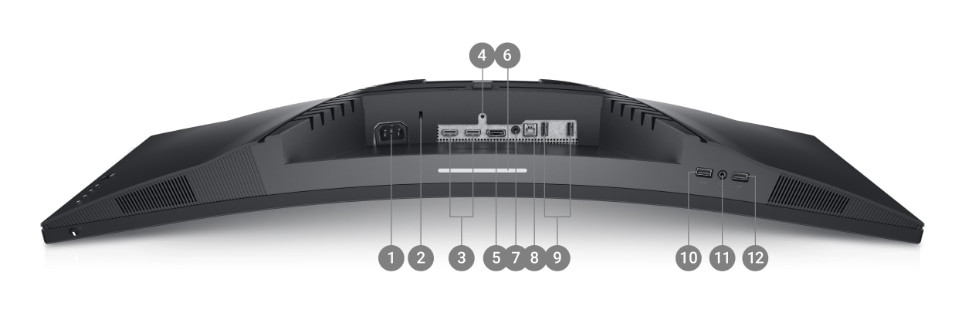
Ports and features include:
- Power connector
- Security lock slot
- 2 × HDMI 2.0 ports
- Stand lock feature
- DisplayPort 1.4
- Downlight
- Audio output
- SuperSpeed USB 3.2 Gen 1 upstream port
- SuperSpeed USB 3.2 Gen 1 downstream ports
- USB charging support with BC1.2
- Headphone output
- Additional rear USB 3.2 Gen 1 downstream ports
The variety of ports is especially useful if you use the monitor with more than one device. For example, a gaming console can remain connected through HDMI while a computer uses DisplayPort.
What’s Included in the Box
The monitor comes with the essential cables needed to get started:
- Power cable
- DisplayPort cable
- HDMI cable
- SuperSpeed USB 3.2 Gen 1 upstream cable
One thing worth knowing is that the monitor does not include built-in speakers. However, it provides an audio connection that can be used with headphones, external speakers, or a soundbar.
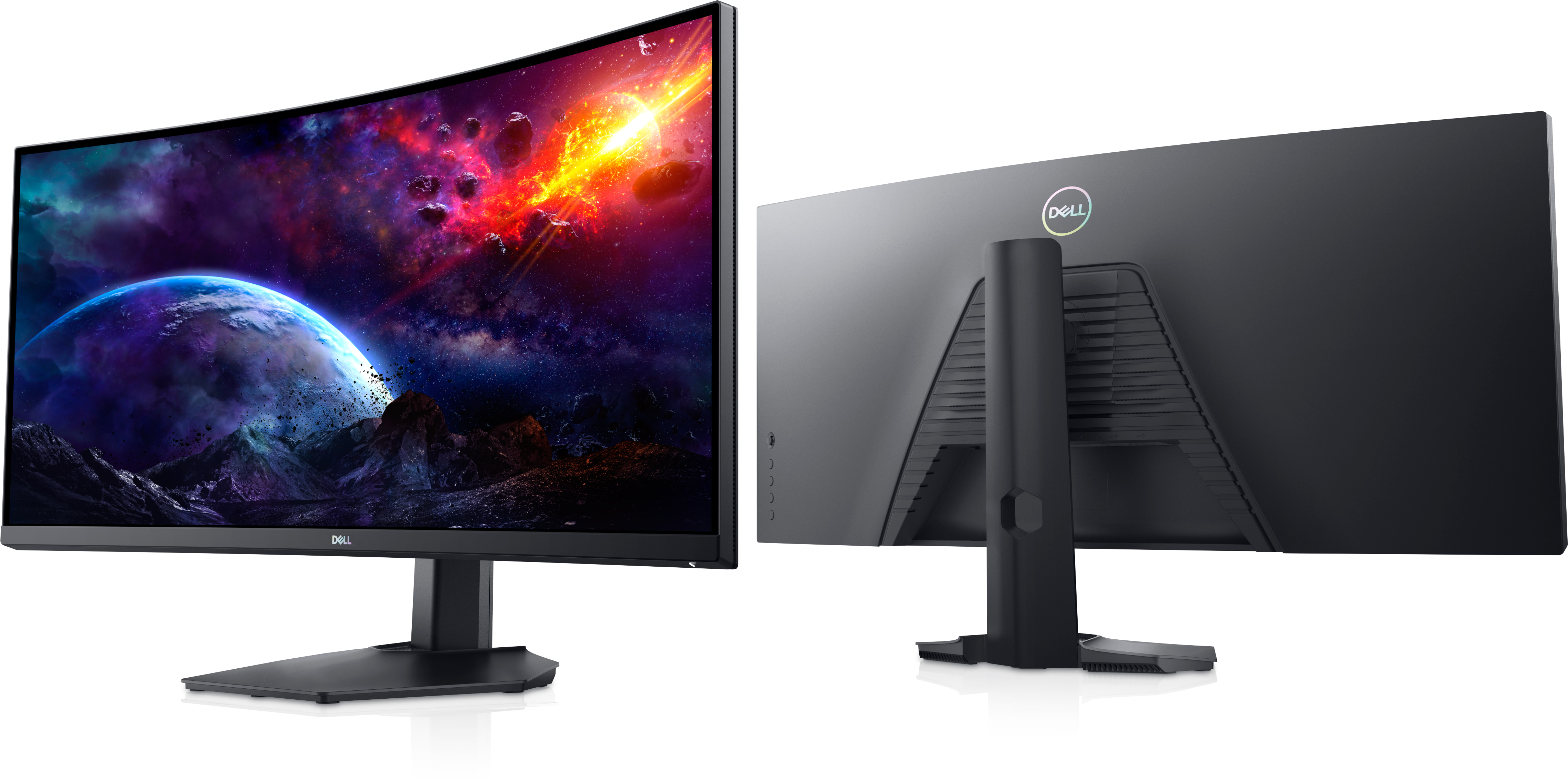
Key Specifications
| Specification | Dell S3422DWG |
| Display size | 34 inches |
| Display type | LED-backlit LCD / TFT active matrix |
| Screen curvature | 1800R |
| Aspect ratio | 21:9 |
| Resolution | 3440 × 1440 WQHD |
| Refresh rate | Up to 144Hz via DisplayPort |
| HDMI refresh rate | Up to 100Hz |
| Response time | 2ms GtG / 1ms MPRT |
| Adaptive sync | AMD FreeSync |
| Viewing angle | 178° horizontal / 178° vertical |
| Screen coating | Anti-glare, 3H hardness |
| USB hub | USB 3.2 Gen 1 |
What I Like
Immersive curved display. The 34-inch ultrawide screen creates a more engaging gaming and movie experience.
Excellent picture quality. The WQHD resolution delivers sharp images and a high level of detail.
Large workspace. The 21:9 aspect ratio provides enough room to work with multiple applications side by side.
Strong contrast. Dark scenes look deep while brighter areas remain clear and vibrant.
Smooth gaming performance. The high refresh rate makes fast-moving games feel more fluid and responsive.
Good connectivity. Multiple HDMI, DisplayPort, USB, headphone, and audio connections provide plenty of flexibility.
What Could Be Better
The main drawback for me is the lack of built-in speakers.
This may not matter to gamers who already use a headset, speakers, or soundbar, but buyers expecting an all-in-one display should be aware of it.
My Verdict
After using the Dell 34 Curved Gaming Monitor for several months, I have been very pleased with my decision.
It provides an excellent combination of screen size, WQHD resolution, immersive curvature, smooth gaming performance, connectivity, and overall picture quality.
For someone looking for an ultrawide monitor that can serve multiple purposes—gaming, entertainment, productivity, and everyday computing—the Dell S3422DWG is a compelling option.
What stands out most to me is its versatility. It isn’t simply a gaming monitor; it has become a monitor I can comfortably use for gaming, entertainment, and productive work.
Overall impression
A large, immersive and capable ultrawide monitor that has delivered the experience I was hoping for when I decided to upgrade.
Enjoy reading Nowyme?
Choose Nowyme as a preferred source on Google to see more of our content in eligible search experiences.
Enjoyed This Article?
Your appreciation means a lot! Give this article a clap to show your support and encourage more inspiring content on Nowyme.
Print This Article
Prefer reading offline? Print a clean, reader-friendly copy of this article for personal reference.



0 Comments