









📚 Last reviewed and updated on July 17, 2026 • Written by thoughtsunwritten
Behind every smooth-running WordPress project is a toolbox of developer essentials—tools that quietly handle the heavy lifting so you can focus on building, creating, and fixing what matters. Over countless late nights and troubleshooting sessions, I’ve put a range of plugins and utilities to the test, and a handful have truly earned their place in my workflow.
This post is my curated collection of must-have developer tools—the ones that consistently save me time, help me track down bugs, and streamline even the messiest projects. These aren’t just the most popular choices; they’re the tools I reach for when I need things done right, fast, and with zero fuss.
Dive in below for my honest takes, quick tips, and real-world reasons why these plugins make the cut. Whether you’re deep into WordPress development or just want to sharpen your setup, I hope these findings help you find your own new favorites.
1 365i Performance Optimizer By Mark McNeece of 365i
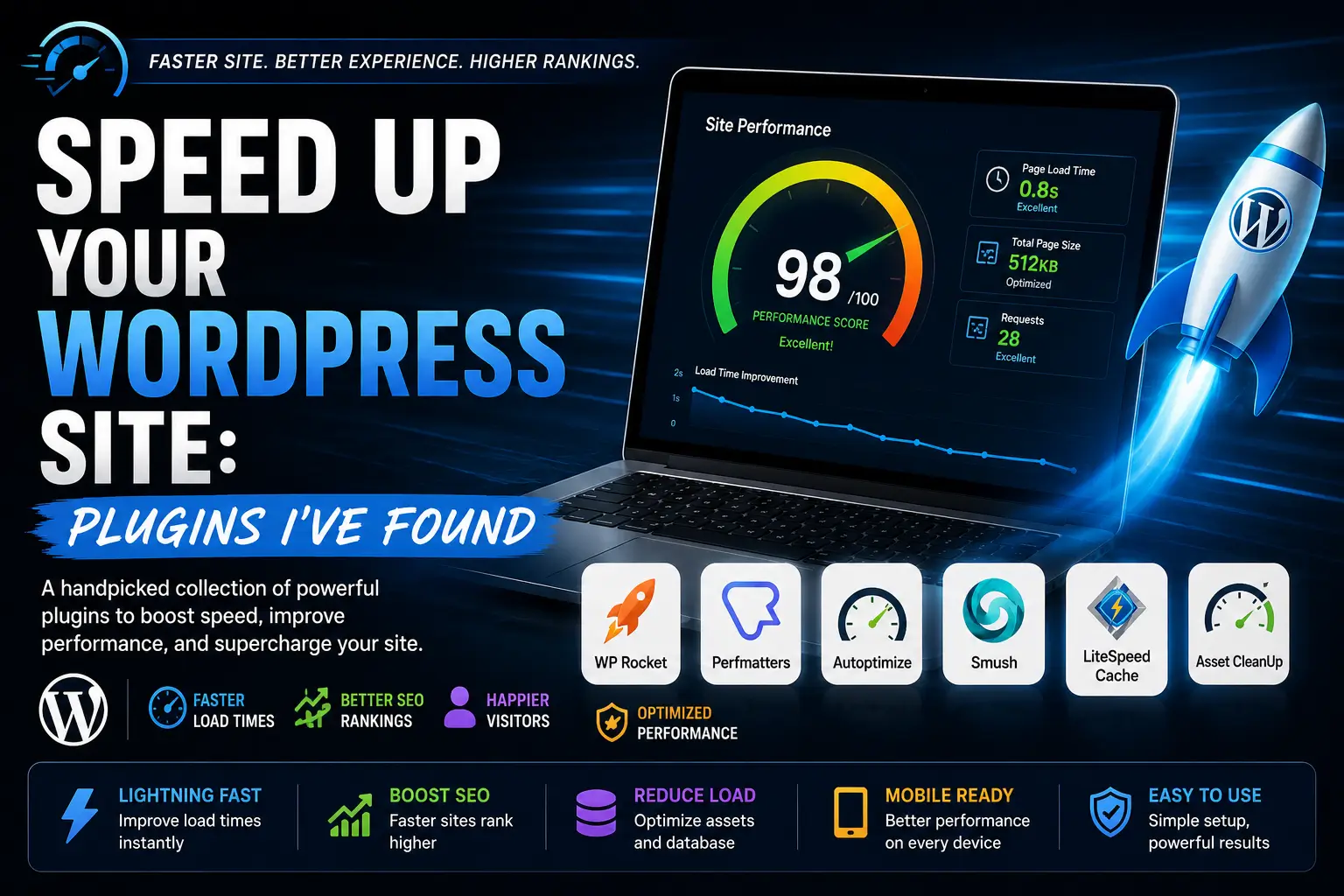
365i Performance Optimizer is an all-in-one plugin that makes your WordPress site faster with simple settings. It’s great for developers and site owners who want detailed control without editing code.
Plugin Link: https://wordpress.org/plugins/365i-performance-optimizer/Opens in a new window
2 365i Environment Indicator By Mark McNeece of 365i
Environment Indicator adds a clear label to the WordPress admin bar showing which site environment you’re on. This helps users avoid mistakes on live sites. It’s ideal for anyone managing multiple WordPress environments, such as development, staging, and production.
Plugin Link: https://wordpress.org/plugins/365i-environment-indicator/Opens in a new window
3365i Queue Optimizer By Mark McNeece of 365i
365i Queue Optimizer is a lightweight WordPress plugin that speeds up image processing and background tasks by improving ActionScheduler performance. It automatically checks your server and suggests the best settings. Great for sites using image optimization, WooCommerce, or other plugins that use ActionScheduler.
Plugin Link: https://wordpress.org/plugins/365i-queue-optimizer/Opens in a new window
4 AI Discovery Files – llms.txt & AI Visibility By Mark McNeece of 365i
AI systems like ChatGPT and others often answer questions about your business, but they can get details wrong or mix you up with competitors.
AI Discovery Files solve this problem. These are special files on your website that clearly tell AI systems who you are, what you do, and how to describe your brand—like robots.txt, but for giving AI the correct information about your business.
Plugin Link: https://wordpress.org/plugins/ai-discovery-files/Opens in a new window
5 Smart Custom 404 Error Page By NerdPress
Getting visitors to your website takes work, so you don’t want to lose them on a basic 404 error page. Most default 404 pages don’t help visitors find what they need, causing them to leave your site. With this plugin, you can easily create a custom 404 page that keeps visitors engaged and works with almost any theme.
Plugin Link: https://wordpress.org/plugins/404page/Opens in a new window
6Redirect 404 to Homepage By pipdig
This plugin automatically sends all 404 error pages to your homepage with a 301 redirect, helping keep your SEO ranking strong. It’s lightweight, has no settings or ads—just activate it, and it works in the background without slowing down your site.
Plugin Link: https://wordpress.org/plugins/404-to-homepage/Opens in a new window
7CloudGuard By pipdig
CloudGuard uses the cloud and a global CDN to protect your WordPress login page. With Cloudflare’s free geolocation, you can allow login access only from specific countries—blocking all others automatically. The plugin also shows unauthorized login attempts on a world map in your dashboard.
Plugin Link: https://wordpress.org/plugins/cloudguard/Opens in a new window
8A360 Insights By Igor Rubas / A360
A360 Insights is a privacy-friendly WordPress plugin that shows you how much of your website traffic comes from AI tools like ChatGPT, Gemini, and Perplexity, as well as Google, Bing, social media, and referrals—all within your WordPress dashboard. It doesn’t use cookies, track IPs, or require any external analytics accounts. You can easily track your content’s performance without sacrificing user privacy, making it great for bloggers, marketers, agencies, and site owners.
Plugin Link: https://wordpress.org/plugins/a360-insights/Opens in a new window
9AAA Option Optimizer By Progress Planner
This plugin tracks which autoloaded options are actually used on each page of your site. It saves this info and, in the admin area, shows you which autoloaded options haven’t been used as you browse. After visiting all your pages, you can see which options likely no longer need to be autoloaded.
Plugin Link: https://wordpress.org/plugins/aaa-option-optimizer/Opens in a new window
10Post Views Counter By dFactory
Post Views Counter lets you track and show how many times your posts or pages have been viewed. It gives you a clear and accurate view count directly in WordPress, with no extra tools or clutter.
Plugin Link: https://en-ca.wordpress.org/plugins/post-views-counter/Opens in a new window
11Able Player, accessible HTML5 media player By Joe Dolson
Below is a highlight link from a YouTuber explaining the plugin's functions in detail.
Plugin Link: https://wordpress.org/plugins/ableplayer/Opens in a new window
12 AboveWP Bulk Attribute Change By AboveWP
This WordPress plugin lets you find products with certain attribute terms, remove them, and add different terms in bulk. It’s reusable for different attributes and terms, but is meant for developers familiar with WooCommerce attribute term IDs.
Key features:
- Find, remove, and add attribute terms
- Batch processing with adjustable size
- Tracks progress on the server
- Can resume and retry failed batches
- Provides detailed logs
Plugin Link: https://wordpress.org/plugins/abovewp-bulk-attribute-change/Opens in a new window
13Accelvia – Content Protection By Md Musfiqur Rahman
Accelvia Content Protection is a WordPress plugin that protects your website content from theft. It uses advanced features like blocking developer tools, preventing screenshots, delivering encrypted HTML, and adding watermarks to images—even if they’re downloaded. No extra plugins needed.
Plugin Link: https://wordpress.org/plugins/accelvia-content-protection/Opens in a new window
14 ACD Admin Designer By steffen34ik
ACD Admin Designer lets you easily change the colors of your WordPress admin area. You can use the browser’s color picker, see live previews, and save your custom color scheme for a cleaner, branded look.
Plugin Link: https://wordpress.org/plugins/acd-admin-designer/Opens in a new window
15Converter for Media – Optimize images | Convert WebP & AVIF By Mateusz Gbiorczyk
16Multisite Content Sync By Solbeg
17Staff/Employee Business Directory for Active Directory By miniOrange
18Acumenon By wpdive
Acumenon is a lightweight WordPress plugin for creating professional documentation, knowledge bases, and help centers. It’s easy to use for both developers and non-technical users.
Key features:
- Modern, React-based admin panel
- Organize docs into groups with custom URLs
- Support for categories and tags
- Control who can access specific docs
- Ready for Right-to-Left languages
- Fast and minimal for better performance
Plugin Link: https://wordpress.org/plugins/acumenon/Opens in a new window
19Add as Preferred Source on Google By Mathew
The Add as Preferred Source on Google plugin adds a banner and button to your website, letting visitors easily add your site as a preferred source in their Google Search settings.
Plugin Link: https://wordpress.org/plugins/add-as-preferred-source/Opens in a new window
20Announcement Notification Bar – Notification Top Bar & Sticky Call to Action Banner By Mathew
The Announcement Notification Bar is a simple WordPress plugin for adding eye-catching announcement bars or sticky banners to your site. It helps you highlight promotions or important updates at the top or bottom of the screen without annoying your visitors. Unlike popups, this bar shows key messages like sales, shipping info, or alerts in a polite and effective way, making sure people notice them and stay engaged.
plugin Link: https://wordpress.org/plugins/announcement-notification-bar/Opens in a new window
21Browser Address Bar Color Changer By Mathew
Browser Address Bar Colour Changer is a simple, secure plugin that lets you change the address bar colour in mobile browsers like Chrome for Android. This creates a more branded and immersive experience for mobile visitors. Just pick your colour in the WordPress settings—no coding needed.
Plugin Link: https://wordpress.org/plugins/browser-address-bar-color-changer/Opens in a new window
22Disable Right Click & Content Copy Protection By Mathew
Disable Right Click & Content Copy Protection is a WordPress plugin that helps protect your site’s content and images from being copied or downloaded without permission. It adds extra layers of security to keep your work safe.
Plugin Link: https://wordpress.org/plugins/disable-right-click-content-copy-protection/Opens in a new window
23Add Any Extension to Pages By Marios Alexandrou
WordPress normally lets you add extensions only to posts, not pages. This plugin lets you add any extension (like .html, .htm, .jsp, or others) to your pages too. You can choose and change the extension anytime, making it handy for managing multiple sites with different needs.
Plugin Link: https://en-ca.wordpress.org/plugins/add-any-extension-to-pages/Opens in a new window
24Simple Admin Language Change By Karolina Vyskocilova
This lightweight plugin adds a language switcher to the WordPress admin bar, making it easy to change languages without going to your profile settings.
Plugin Link: https://wordpress.org/plugins/simple-admin-language-change/Opens in a new window
25Easy Table of Contents By Magazine3
26Pages with category and tag By YAHMAN
27SVG Support By Benbodhi
SVG Support is an all-in-one solution for using SVGs in WordPress. It’s secure, flexible, and simple to use, letting you safely upload SVG files and access advanced features for both beginners and developers.
Plugin Link: https://wordpress.org/plugins/svg-support/Opens in a new window
28Mobile Smart App Banner By Jose Varghese
29User Role Editor By Vladimir Garagulya
30AddFunc Head & Footer Code By AddFunc
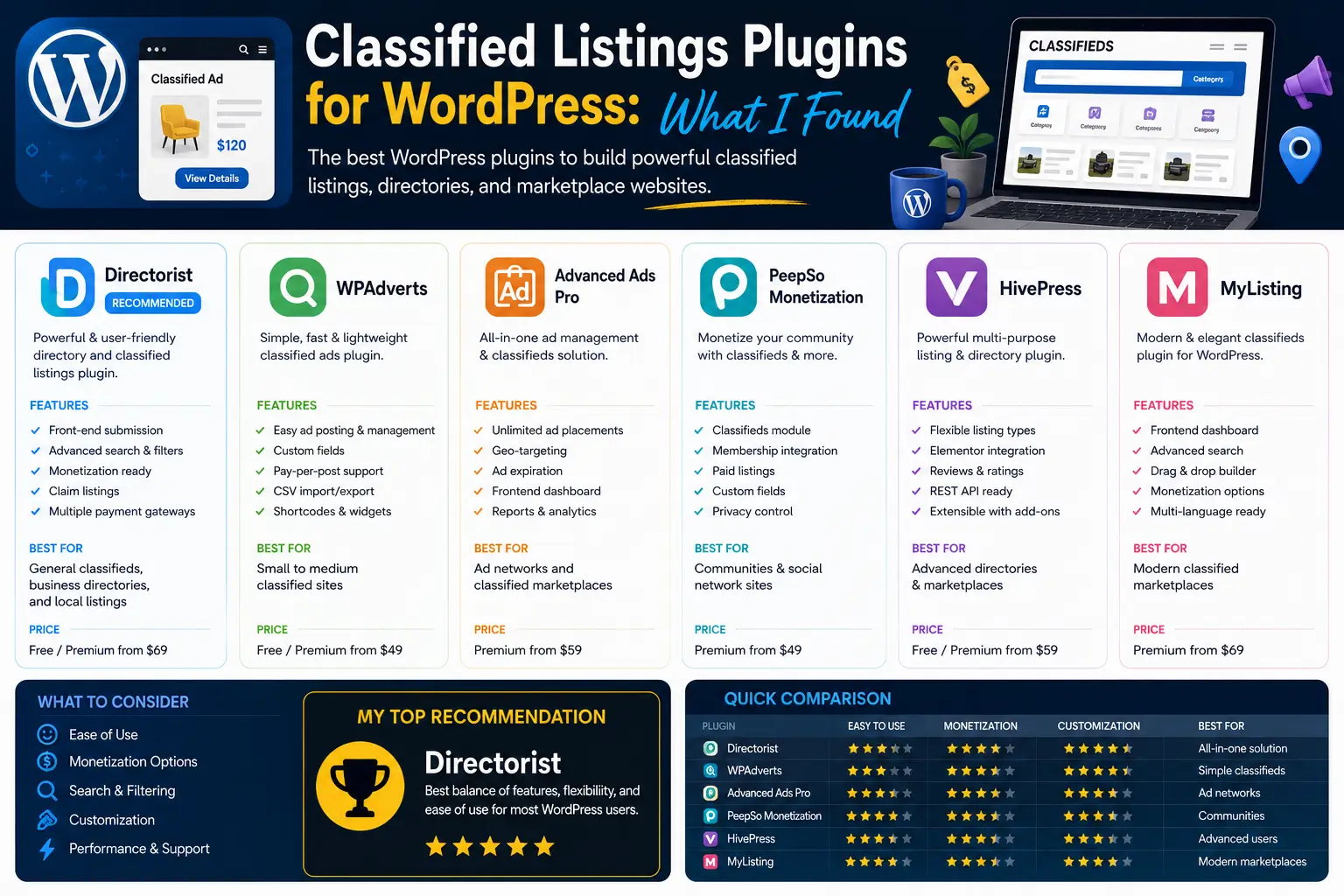
31WPAdverts – Classifieds Plugin By Greg Winiarski
A classified listing plugin
Plugin Link: https://wordpress.org/plugins/wpadverts/Opens in a new window
32Admin Dashboard Last Edits By Johannes
Admin Dashboard Last Edits is a simple, lightweight plugin that shows your most recently edited posts and pages on the WordPress admin dashboard.
Plugin Link: https://wordpress.org/plugins/admin-dashboard-last-edits/Opens in a new window
33Admin Bookmarks By bradvin
This plugin lets you bookmark or favourite posts, pages, and custom content types. When you star a post, a shortcut link appears in the admin menu, making it easy to quickly access and edit your most-used content
Plugin Link: https://wordpress.org/plugins/my-admin-bookmarks/Opens in a new window
34 User Switching By John Blackbourn
35Admin Columns By Codepress
Admin Columns lets you easily customize and organize the columns you see in the WordPress admin lists for posts, pages, users, comments, and media.
Plugin Link: https://wordpress.org/plugins/codepress-admin-columns/Opens in a new window
36 Change WordPress Admin Logo By Yasar Khalifa
37 Featured Image Add in Admin Column By Yasar Khalifa
38 Dashboard quick links widget By Hem Thapa
39Admin Help Docs By PluginRx
Admin Help Docs is a WordPress plugin that lets you create custom help guides right in your admin dashboard. It makes it easy to remind yourself or help other admins manage tasks and settings.
Plugin Link: https://wordpress.org/plugins/admin-help-docs/Opens in a new window
40Add-On for Discord and Gravity Forms By PluginRx
41 Advanced Tools for Gravity Forms By PluginRx
42Broken Link Notifier By PluginRx
Broken Link Notifier is a WordPress plugin that watches for broken links as users browse your site and alerts you when it finds any. This helps keep your site user-friendly and protects your search rankings. It’s lightweight and avoids the slowdowns caused by full-site link scans.
Plugin Link: https://wordpress.org/plugins/broken-link-notifier/Opens in a new window
43Zodan Mini Admin Menu By Marten Moolenaar
What does it do?
- Lets you quickly “Edit post”
- “Edit with Elementor” (if you use it)
- Links to the Dashboard and, if available, WP Network
- Easy access to create new posts for public types
- Shortcuts to Menus, Widgets, Plugins, and Users
- Direct links to ACF, Yoast SEO, WooCommerce, FluentForms, GravityForms, and WPML (if installed)
- Add your own custom, role-restricted links from the settings page
Note: This plugin is under active development. Kindly send your ideas to Opens in a new windowplugins@zodan.nl
[wp-pic type=plugin slug=z-mini-admin-menu layout=large scheme=scheme2 ]
44Clear Cache Everywhere By PluginRx
45Developer Debug Tools By PluginRx
46ERI File Library By PluginRx
47Fake User Detector By PluginRx
48MUDRAVA Admin Tweaks By MUDRAVA
49AdminEase By PrecisionWP
50Notification – Custom Notifications and Alerts for WordPress By Kuba Mikita
51 Admin Options Pages By Johannes van Poelgeest
52Admin Optimizer – Performance, Security & Site Cleanup By yipresser
53 AWCA – The Great Analytics Insights for Your eStore By Passionate Brains
54AdSimple Cookie Consent Banner By AdSimple
55Ad Inserter – Ad Manager & AdSense Ads By Spacetime
56Ads.txt Manager By 10up
57All-In-One Security (AIOS) – Security and Firewall By David Anderson / Team Updraft
58XML Sitemap Generator for Google By Auctollo
59WPO365 | SEAMLESS WORDPRESS + MICROSOFT INTEGRATION (WPO365 | LOGIN) By Marco van Wieren
60BackOffice Manager for Firebase By jrosalesdev
61Zodan Theme Switcher By Marten Moolenaar
What does the plugin do?
- Let certain user roles preview or use a different installed theme
- Choose which roles can switch themes
- Optionally, allow selected roles to use a “switch theme/back” button on the front-end
The plugin is actively developed. Got feature ideas? Email plugins@zodan.nl
[wp-pic type=plugin slug=z-theme-switcher layout=large scheme=scheme2 ]
62Metronet Tag Manager By Leon Hitchens
63WP Plugin Info Card By Brice Capobianco
64Under Construction By WebFactory
65UX Flat By COP
66Username Changer By DigitalME
67WP Edit Username By Sajjad Hossain Sagor
68User Profile Fields Control By Priyank Sukhadiya
69Upload Converter for WebP By Rony Bormon
70User Submitted Posts – Enable Users to Submit Posts from the Front End By Jeff Starr

Disclaimer - Essential Developer Tools: My Findings
The information shared in this post, “Essential Developer Tools: My Findings,” is provided by the author and intended for general guidance only. While Nowyme strives to ensure everything is accurate and up to date, we can’t guarantee that all details, products, or services mentioned will always be complete, reliable, or suitable for your needs. Please use your own judgment and double-check anything that matters to you before making decisions based on this content.



0 Comments